
A small business expense tracker in Excel needs only a few things: a log of every transaction with a category, a monthly profit and loss summary, and category totals you can hand to your tax preparer. For most side hustles and solo businesses, that beats accounting software you never open.
Here are the columns to use, a sample month, and the tracker we make for it.
The columns that matter
| Column | Example | Tip |
|---|---|---|
| Date | 10/04 | Use the transaction date, not the day you entered it |
| Description | Canva Pro subscription | Enough detail to recognize it in a year |
| Category | Software | Keep categories consistent all year |
| Type | Expense | Income or expense, so totals calculate correctly |
| Amount | $14.99 | Positive numbers; the type column decides the sign |
| Payment method | Business card | Helps match bank statements |
| Receipt saved? | ✓ | Photo in a dated folder is fine |
Categories that cover most small businesses: advertising, supplies, software and subscriptions, shipping and postage, fees (marketplace, payment processing), professional services, phone and internet, education, and vehicle or mileage.
A sample month
| Date | Description | Category | Income | Expense |
|---|---|---|---|---|
| Oct 2 | Etsy payout | Sales | $412.60 | |
| Oct 4 | Printer ink | Supplies | $38.99 | |
| Oct 9 | Marketplace fees | Fees | $46.10 | |
| Oct 15 | Client invoice #104 | Sales | $650.00 | |
| Oct 21 | Shipping labels | Shipping | $27.40 | |
| Oct 28 | Business mileage, 42 miles | Vehicle | (per IRS rate) | |
| October | $1,062.60 | $112.49 + mileage |
From a log like this, a good tracker shows October profit, the year-to-date total for each category, and a rough amount to set aside for taxes.
The tracker we make
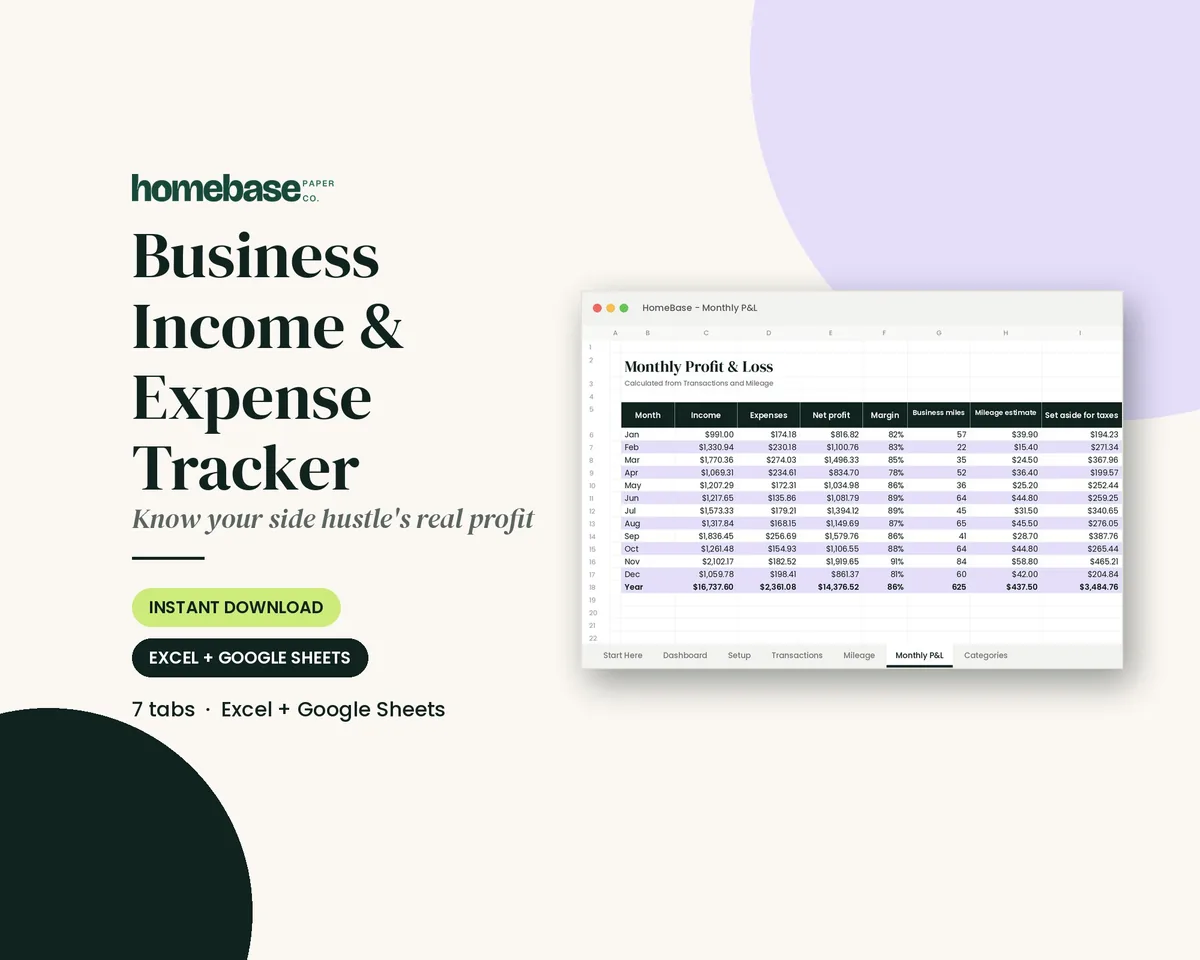
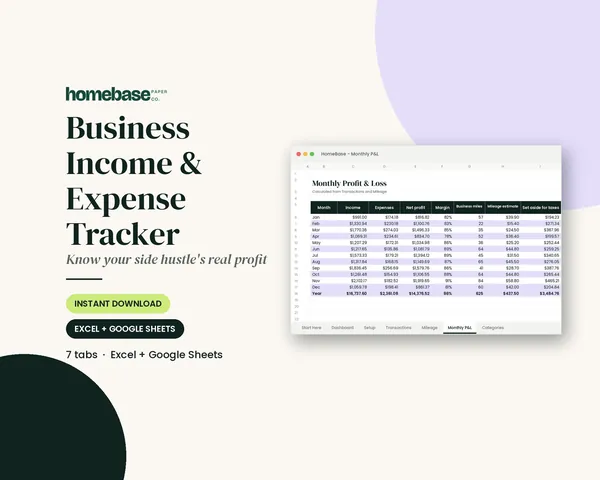
Our Business Income & Expense Tracker ($7.99) works in Excel and Google Sheets. You log each sale and expense once with a category dropdown, and the income or expense type fills in automatically. It builds a monthly profit and loss, keeps a mileage log with a deduction estimate, shows a monthly tax set-aside estimate, totals every category for the month and year, and adds a dashboard chart. A Start Here PDF walks you through setup.
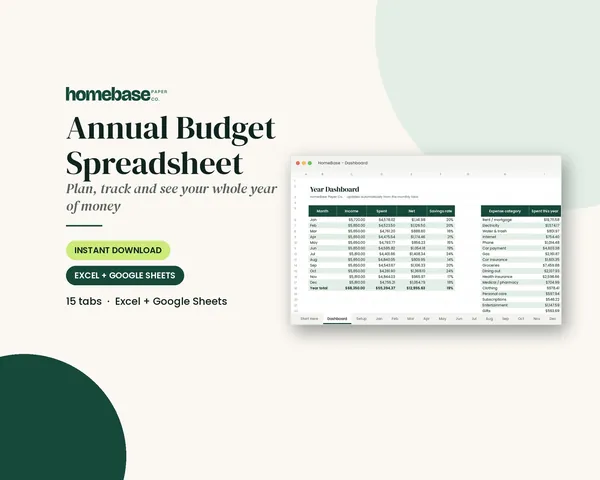
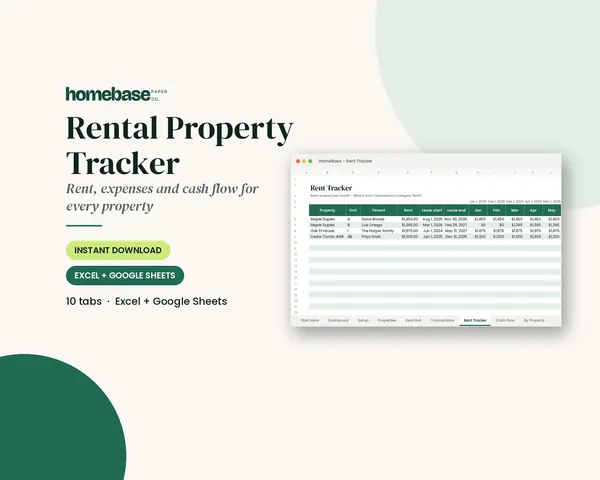
If you also manage rentals, the Rental Property Tracker ($11.99) handles rent rolls, late rent and cash flow for up to 10 properties. For household money, the Annual Budget Spreadsheet ($6.99) keeps personal spending separate from the business.
How to set it up in one sitting
- Open a separate bank account or card for the business if you haven't. It makes tracking dramatically easier.
- Choose your categories before entering anything, and keep them for the whole year.
- Enter this year's transactions so far from bank and marketplace statements. Batch by month.
- Start a mileage habit: note the odometer at the start and end of each business trip, or log trips weekly from your calendar.
- Pick a weekly 15-minute slot to enter receipts. Monthly is the absolute minimum.
- Move the tax set-aside to a savings account each month so April isn't a surprise.
Excel, Google Sheets or accounting software?
A spreadsheet is enough when you have one income stream, a few dozen transactions a month and no employees. Consider accounting software when you add payroll, inventory, sales tax in several states, or invoicing many clients. Plenty of businesses start with a spreadsheet and move later; a clean year of categorized data makes that move simple.
What to do at the end of the year
A year of clean entries turns tax season into a short job:
- Reconcile December against your bank and marketplace statements so the totals match.
- Export or print the category totals for the year. This one page is what most tax preparers ask for first.
- Total your mileage and keep the log itself, not just the number.
- Save a copy of the finished file with the year in its name, then start a fresh copy for January.
- Review the biggest categories. If fees or software crept up, that's where to trim next year.
That last step is where a tracker earns its keep. Seeing that subscriptions cost $600 over the year makes it much easier to cancel the two you don't use.
Mistakes to avoid
- Mixing personal and business spending on the same card without noting which is which.
- Changing categories mid-year, which makes year-end totals meaningless.
- Forgetting small fees, such as payment processing and listing fees. They add up.
- Not saving receipts. A phone photo in a dated folder is usually enough.
This template organizes your numbers; it isn't tax advice. Check deductions and estimated taxes with a tax professional.
Frequently asked questions
How do I track small business expenses in Excel?
Create a transaction log with date, description, category, type (income or expense), amount and payment method. Use the same categories all year. Then summarize by month with totals per category. A ready-made template does the formulas, monthly profit and loss, and category totals for you.
Does the tracker work in Google Sheets?
Yes. The Business Income & Expense Tracker is an .xlsx file that opens in Microsoft Excel and works in Google Sheets after you upload it to Google Drive. Setup is easiest on a computer; after that you can add transactions from a phone or tablet.
What expense categories should a small business use?
Common categories are advertising, supplies, software and subscriptions, shipping, fees, professional services, phone and internet, education, and vehicle or mileage. Keep the list short and consistent, and ask your tax preparer whether any categories should be split for your situation.
Can it estimate how much to set aside for taxes?
The tracker shows a monthly tax set-aside estimate based on your profit, so you can move money into savings as you go. It's an organizing tool, not tax advice, so confirm the right percentage and any estimated tax payments with a tax professional.
Free download
The Holiday Budget Starter Kit
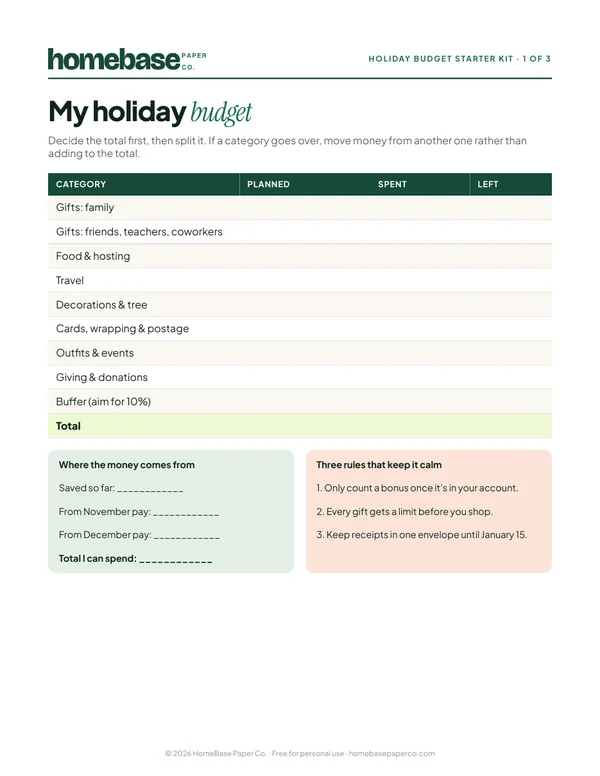
A one-page holiday budget, a gift list with a spending limit for every person, and a 6-week countdown so December stays calm and paid for.
Free, no sign-up needed.