A debt payoff planner in Excel lists every debt with its balance, interest rate and minimum payment, then applies one extra payment in a set order until each balance hits zero. The useful output is a month-by-month schedule and a single date: the month you're debt-free.
Here's how it works, a worked example with real numbers, and the planner we make.
What a debt payoff spreadsheet needs
| Input | Example | Where to find it |
|---|---|---|
| Debt name | Store card | Your statement |
| Current balance | $1,450 | Statement or app |
| APR | 26.99% | Statement, usually near the balance |
| Minimum payment | $45 | Statement |
| Extra payment (total) | $200 a month | Your budget |
| Method | Snowball or avalanche | Your choice |
From those inputs, the spreadsheet should calculate monthly interest, roll each paid-off minimum into the next debt, and show the payoff month for every debt plus the interest you save compared with paying minimums only.
A worked example
Four debts and $200 a month extra on top of the minimums:
| Debt | Balance | APR | Minimum |
|---|---|---|---|
| Store card | $1,450 | 26.99% | $45 |
| Credit card | $4,800 | 22.49% | $120 |
| Car loan | $9,200 | 7.9% | $260 |
| Personal loan | $3,100 | 11.5% | $105 |
Snowball (smallest balance first) pays off the store card first, then the personal loan, then the credit card, then the car. You get a win within a few months, and each payoff frees up money for the next.
Avalanche (highest rate first) attacks the store card and credit card first because of their rates, and usually costs less interest overall.
In examples like this, the difference in total interest between the two methods is often smaller than people expect, while the extra $200 a month makes a large difference compared with minimums only. Picking a method you'll stick with matters more than picking the mathematically perfect one. A planner lets you switch between them and compare the debt-free date and interest instantly.
The planner we make
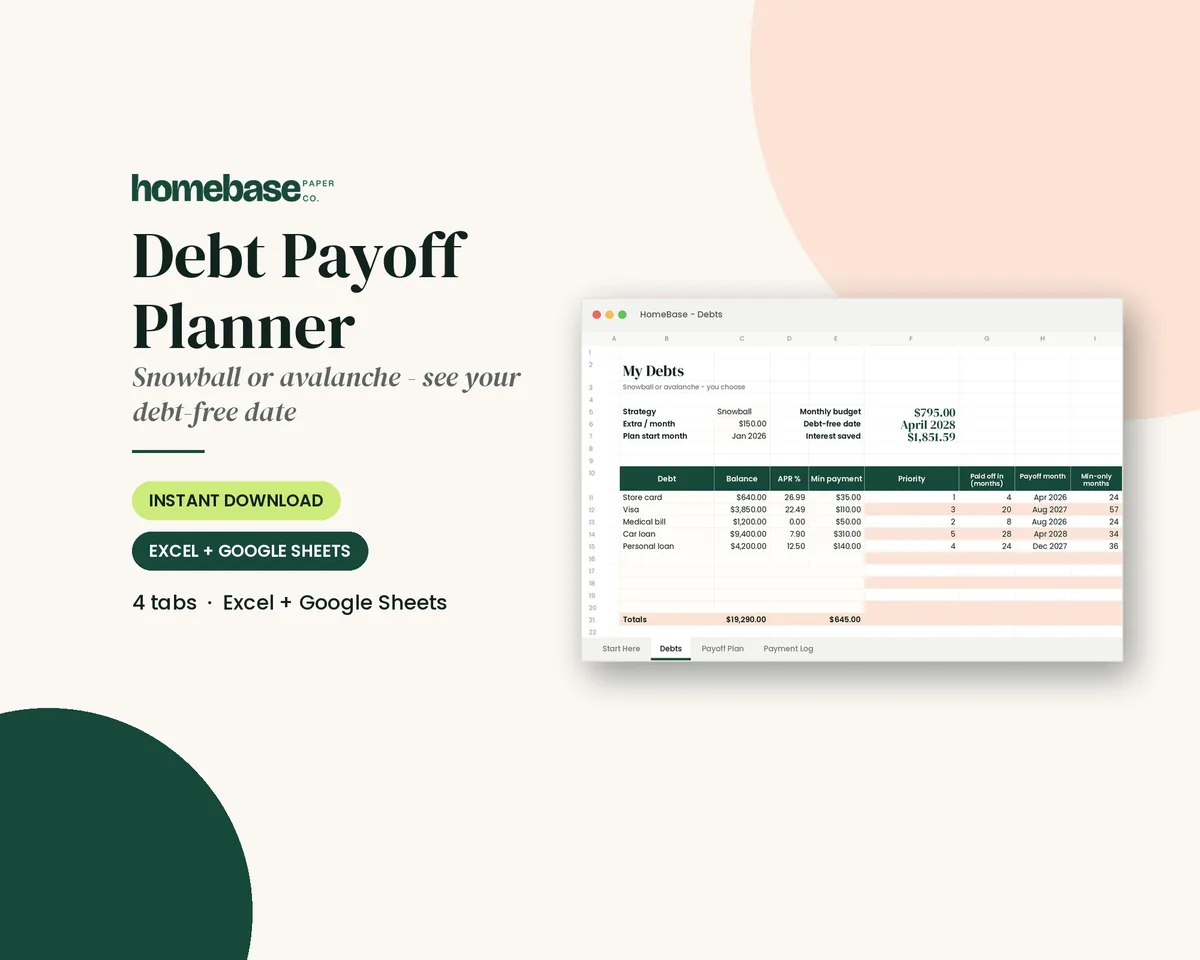
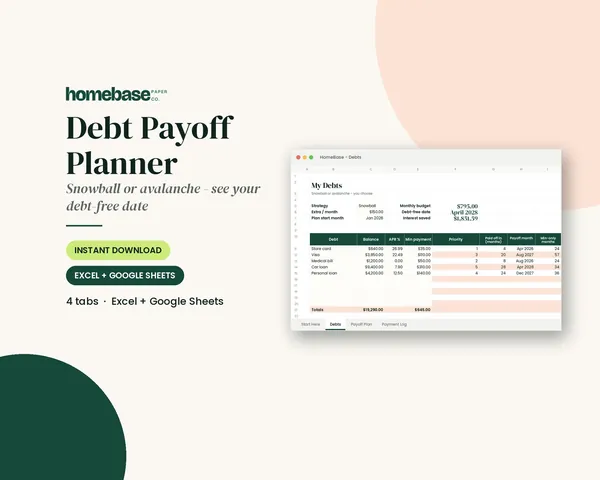
Our Debt Payoff Planner ($6.99) works in Excel and Google Sheets. It holds up to 10 debts, has a snowball or avalanche switch, rolls each extra payment forward automatically, and builds a month-by-month payoff schedule up to 30 years. You see the payoff month for every debt, your debt-free date, and the interest saved compared with minimums. A Start Here PDF explains setup.
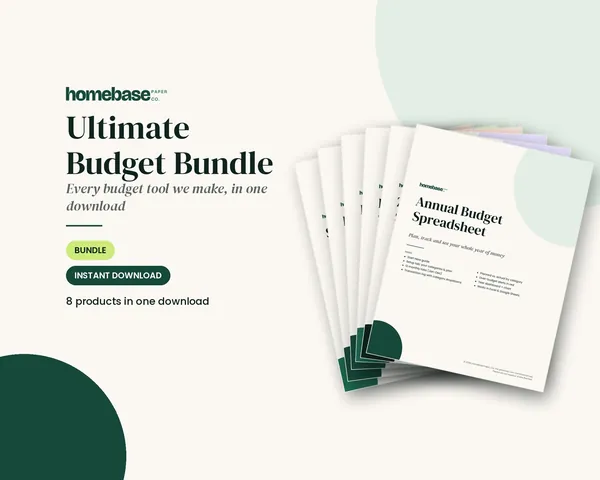
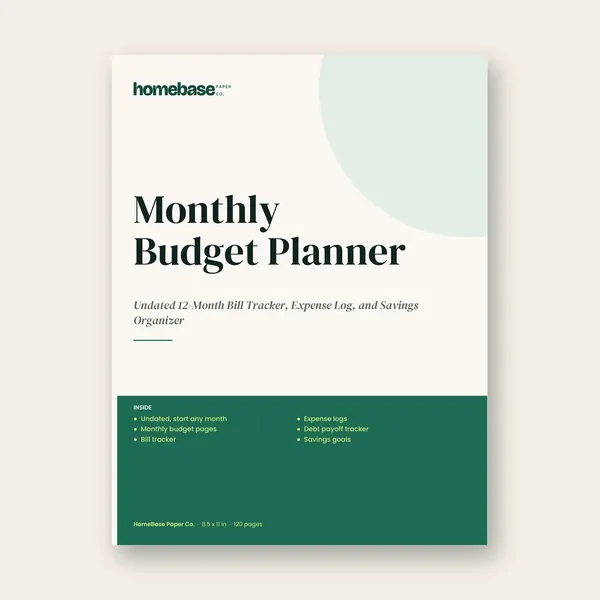
It's also part of the Ultimate Budget Bundle ($19.99), which includes all six of our budget spreadsheets plus two printable planners. If you'd rather track by hand, the Monthly Budget Planner paperback has debt payoff pages next to the monthly budget.
How to use it in your first week
- Gather statements for every debt and note balance, APR and minimum payment.
- Find your extra payment. Even $50 a month changes the schedule; a zero-based budget is the easiest way to find it.
- Enter everything and pick a method. Look at both results before deciding.
- Set up autopay for minimums on every debt so nothing is ever late.
- Pay the extra amount manually to the target debt each month, right after payday.
- Update balances monthly. Seeing the debt-free date move closer is real motivation.
Snowball or avalanche: how to choose
- Choose snowball if you've started and stopped before, or if you have several small balances. Quick wins keep you going.
- Choose avalanche if you're motivated by numbers and one or two debts carry much higher rates than the rest.
- Consider a hybrid: knock out one tiny balance first for momentum, then switch to avalanche.
For a deeper comparison, read our guide on debt snowball vs. avalanche.
Mistakes that slow payoff down
- Adding new debt while paying off old debt. Pause the cards you're paying down.
- No emergency buffer. A small starter fund keeps a car repair from going back on a card.
- Forgetting rate changes on variable-rate debts. Update the APR when a statement shows a change.
- Letting freed-up minimums disappear into everyday spending. They must roll to the next debt.
This planner organizes your own numbers; it isn't financial advice. For debt relief, consolidation or bankruptcy questions, talk to a nonprofit credit counselor or qualified professional.
Need a reminder while you work? Our "Debt Snowball in Progress" design is a cheerful progress bar on a tee or mug.
Frequently asked questions
How do I make a debt payoff plan in Excel?
List each debt with balance, interest rate and minimum payment, choose an extra monthly amount, and pick an order: smallest balance first (snowball) or highest rate first (avalanche). The spreadsheet then applies payments month by month and rolls each paid-off minimum into the next debt.
Does the Debt Payoff Planner work in Google Sheets?
Yes. It's an .xlsx file that opens in Microsoft Excel or in Google Sheets after uploading to Google Drive. It handles up to 10 debts, switches between snowball and avalanche, and shows each debt's payoff month and your overall debt-free date.
Is snowball or avalanche better?
Avalanche usually costs less interest because high-rate debts go first. Snowball pays off small balances first, which many people find more motivating. The best method is the one you'll follow every month; a planner lets you compare both with your own numbers before choosing.
How much extra should I pay on debt each month?
Whatever your budget can reliably spare after essentials and a small emergency buffer. Even $50 to $100 a month can shorten payoff noticeably. Use the planner to test different amounts and see how each one moves your debt-free date and total interest.
Free download
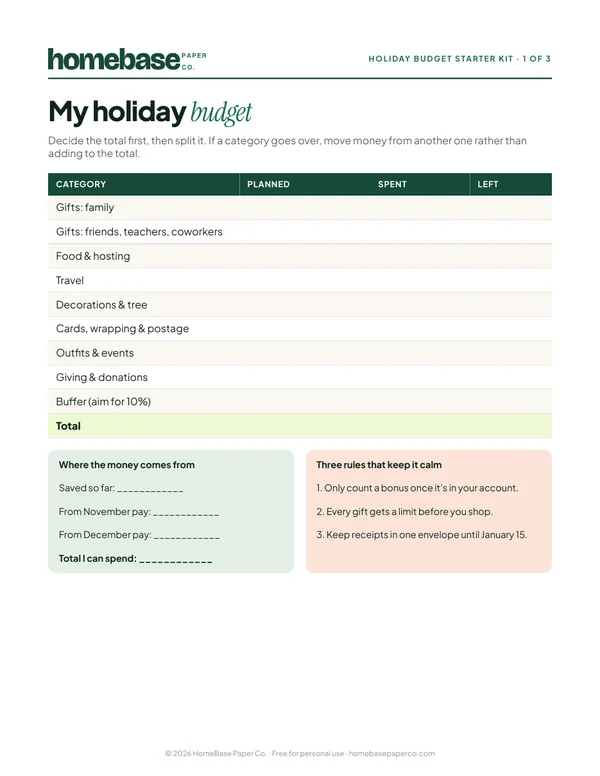
The Holiday Budget Starter Kit
A one-page holiday budget, a gift list with a spending limit for every person, and a 6-week countdown so December stays calm and paid for.
Free, no sign-up needed.